• Sumaddle
  • FAQ
    • Fundamentals
    • Playing a puzzle
    • Settings
    • Levels of difficulty
    • Help and scoring
    • Pencil mode
    • Puzzle packs
    • Puzzle generator
    • Leaderboards
    • Performance analysis
    • Puzzle mechanics
    • App insights
  • Developer blog
  • Help and support
    • Troubleshooting
    • Contact
    • Report a crash
  • Privacy policy
  Sumaddle
Sumaddle

Developer blog

A few more small improvements

2/12/2024

0 Comments

 
Version 1.61.1 is an update to version 1.60.0, mainly to correct (increase) the size of overlay sheets when running on iPads with iPadOS 18. Overlay sheets are used for temporary presentations, such as for the settings.

Other small improvements included in this update:
  • When the option to show inverted combinations has been turned on in the settings and a group of squares outside the blocks of a row or column is selected using a swipe (drag) gesture, the inverted combinations are shown. Previously, this was only the case if all the squares outside the blocks were selected together, now it is the case for any group of squares that are selected in this way.
  • When a row or column has a hidden clue and the space is tapped where the clue would normally be shown, any combinations that are already showing are immediately hidden. This is a revision to a change made in version 1.57.0.
0 Comments

Enhancements to the built-in help

22/11/2024

0 Comments

 
Version 1.61.0 contains some enhancements to the built-in help and some usability improvements:
  • A new setting makes it possible to see a warning symbol next to help actions that will cause points to be lost. This setting can be found in the section “Layout & Appearance”. For more information about when the help is penalty-free and when it is not, please see the FAQ page on Help and scoring.
  • When the help is used to “undo back to where I went wrong” or “clear mistakes only”, any combinations that have been deleted incorrectly are restored automatically. The ability to delete individual combinations can be turned on under “Optional Features” in the settings.
  • When a square is tapped a second time, the square is no longer turned into a block if there are already two blocks in the same row or column. This is because it makes no sense to add a third block, if two are already present. This change might help to prevent squares from being filled inadvertently when a square is (re-)selected for the purpose of updating candidate values, or when tapping quickly between squares at the end of a game.
  • Previously, if pencil mode was active and a square with pencil markings was tapped, the square would sometimes be converted to a number square with candidate values. This was the case when there were already two blocks in the same row or column. This was not very intuitive, so it no longer happens. Instead, the square now remains in pencilled state.
0 Comments

Resuming a paused puzzle

16/10/2024

0 Comments

 
Version 1.60.1 includes some more small changes on the back of version 1.60.0:
  • Further improvements when estimating the difficulty of a new puzzle and when scrolling to position in the context of puzzle packs.
  • A change to the follow-up page when a puzzle in the Challenge Trail or a puzzle pack is paused during play. Instead of returning straight back to the overview page as before, the page for a paused puzzle is now shown. This flow is the same as how it works when playing puzzles generated by the puzzle generator.
By showing the page for a paused puzzle, it not only makes it easier to resume play, it also makes it more likely that the previously played steps can still be undone one by one.
0 Comments

New puzzle packs

6/10/2024

0 Comments

 
Version 1.60.0 includes three new packs of puzzles, along with some other small improvements. The changes in detail:
  • ​There are two new packs of quirky puzzles and a new pack of premium 9x9 puzzles. These special types of puzzle are the hardest to generate using the built-in puzzle generator, so the packs offer a more convenient way to play these sorts of puzzle.
  • The difficulty ratings for puzzles in the existing quirky packs and 9x9 pack have been re-assessed and revised in some cases. The aim is to ensure that the difficulty ratings for puzzles in these categories are consistent. The new assessment is based on an evaluation of the logic that is needed to solve the puzzles. The puzzles themselves have not changed, so the revised difficulty ratings only affect the scoring. Some packs have also been re-ordered a little.
  • When full dark mode is in operation and a puzzle starts with pre-filled blocks, the blocks can be seen more clearly against the background of the empty puzzle. Pre-filled blocks only occur in 9x9 puzzles generated by the puzzle generator.
  • More improvements to the way the difficulty is estimated for new puzzles generated by the puzzle generator.
  • A fix for issues with scrolling when switching between puzzle pack categories.
  • A fix for the way candidate values are added or removed from a group of squares for the case of when a previous update left the squares with less candidates than number of squares.
0 Comments

More small improvements

9/7/2024

0 Comments

 
Version 1.59.0 has some more small improvements:
  • When the setting “Allow combinations to be deleted individually” is turned on, the space freed up by deleting individual combinations is better used for showing the remaining combinations. This will particularly benefit players who are playing large puzzles on small devices.
  • When the leaderboard display style is set to “Top scores” (which is the default) and the player’s own score is outside the top 100, more scores from other players are now shown around the player’s own score. The leaderboard display style can be selected in the system settings for the Sumaddle app.
  • The section of the introduction that was previously called “Tips” has been renamed to “Strategy”.
0 Comments

More cunning added to puzzle generator

21/6/2024

0 Comments

 
More cunning has been added to the puzzle generator in version 1.58.0. There is also a new setting for adjusting the size of the numbers in a puzzle. All the changes for this version in detail:
  • New logic has been added to the puzzle generator, used when generating very difficult puzzles in Expert mode.
  • More refinements to the way the puzzle generator estimates the difficulty of the new puzzles it generates. 
  • A new setting in the section “Layout & Appearance” makes it possible to adjust the size of the numbers in a puzzle. This setting works independently of the text size that is set on the device.
  • The “dimmed” appearance for dark mode is a bit darker.
  • More improvements to the way the help chooses where to show a hint. Steps involving just a small change to candidate values are selected according to where there is most benefit in preparing the way for a more significant step.
  • Fix for an issue where an empty square would sometimes display a dotted block outline if a clue was tapped and the row or column had errors.
  • The arrow for the help is more animated.
0 Comments

Puzzles too easy? Issue resolved

31/5/2024

0 Comments

 
Version 1.57.2 fixes an issue relating to the buttons for generating a new puzzle of a particular size:
When the setting to “select skill level too” is enabled and Expert is selected as skill level, the puzzle generator was incorrectly using Normal skill level to generate the new puzzle (instead of Expert). This meant, puzzles that were generated this way were usually too easy.
​

This problem is fixed in the new version, puzzles generated this way are now generated using Expert skill level, as they should be.
0 Comments

Improvements to nitty-gritty details

26/4/2024

0 Comments

 
Version 1.57.0 adds some new improvements and enhancements:
  • Improvements to the way the difficulty is estimated for new puzzles generated by the puzzle generator.
  • Improvements to the way the built-in help chooses the hint to show, so that easier steps are identified before more difficult steps.
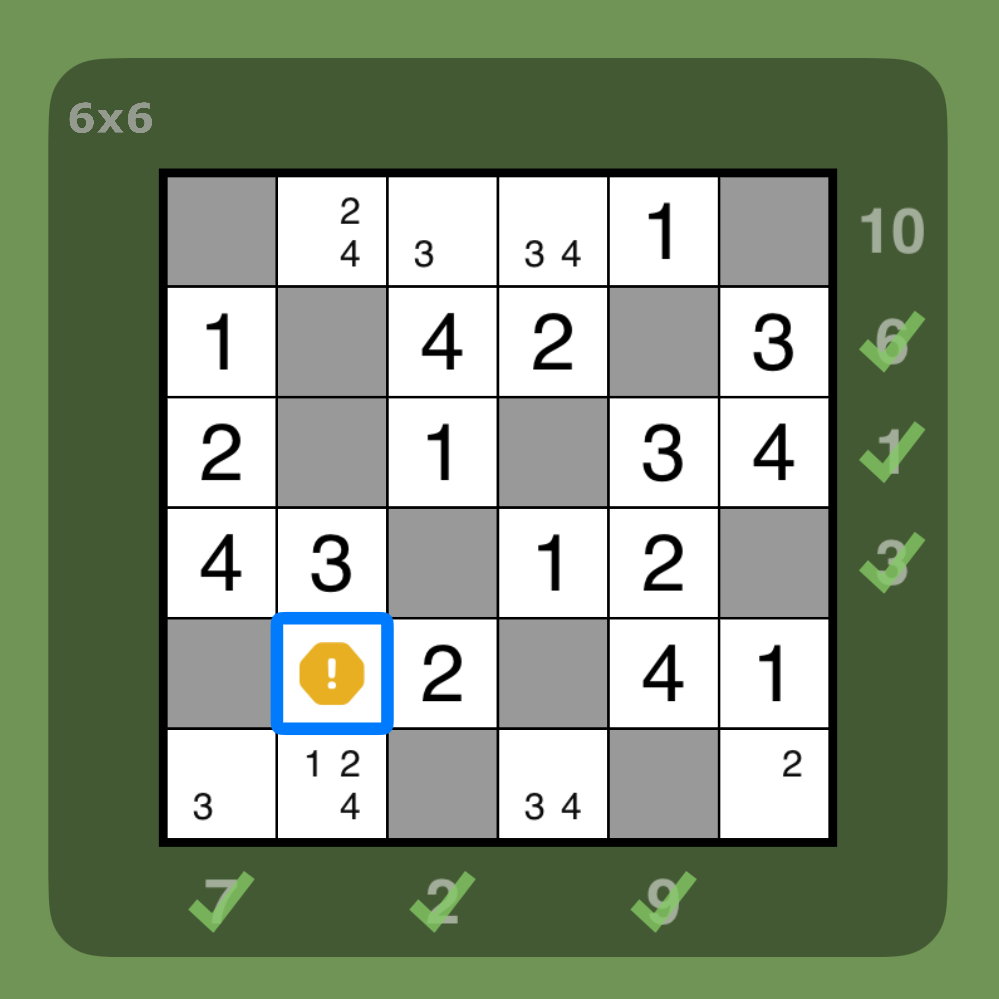
  • The built-in help now identifies a square with a pencilled block outline as being incorrect if the square will ultimately contain a number when the puzzle is completed.
  • Added more auto-complete functionality for when a clue value is tapped and the associated row or column already has two blocks, or when the number of missing blocks exactly matches the number of empty squares. In particular, if a group of squares are selected by tapping the clue value and all squares have values except for one, the last square is promoted to a value if it only has one candidate value. The same also applies to the squares outside the blocks, when the selection is inverted.
  • If a row or column with a hidden clue has two blocks, the squares between the blocks now get selected when the space is tapped where the clue would normally be shown. A second tap inverts the selection. If any number combinations were already showing, they remain showing and are no longer cleared.
  • Enhancements to full dark appearance when dark mode is in operation. The panel showing the number combinations is less bright, the spotlight feature is shown with more contrast.
  • Some cosmetic improvements to the number buttons (the round buttons for number values).
  • Fix for an issue where number combinations were sometimes being filtered out incorrectly when the setting “only show combinations with the right numbers of values” is turned on.
  • The level controls in the puzzle generator settings are less fiddly to adjust.
0 Comments

New features, as requested

6/2/2024

3 Comments

 
Version 1.56.0 contains a number of enhancements that were requested by players via the contact form and quick survey:
  • A swipe action can be used to select any group of squares that does not contain a block. Actions can then be performed on these squares together, such as number elimination.
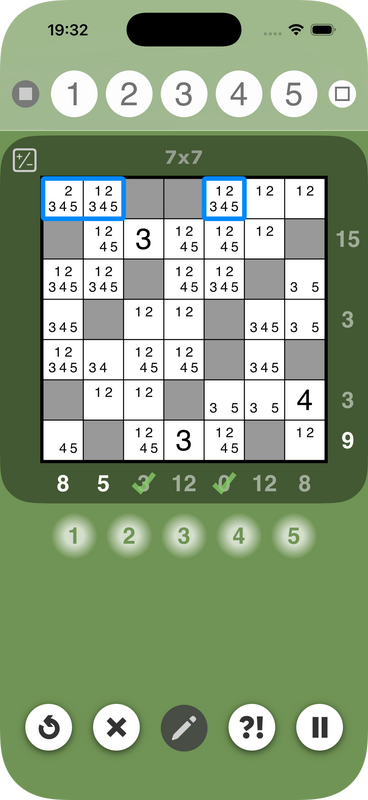
  • Pencil mode includes the possibility to set temporary blocks. This can be useful for trying out possible block positions.
  • Pencil mode stays on when squares are selected by tapping a hint. Updates to multi-selected squares are also possible with pencil mode still active.
  • When the last pencilled candidate has been eliminated from a square, the square shows the outline of a block, instead of appearing empty. This is to indicate that the square might be ready to receive a block, because no candidate values are left.
  • The difficulty weighting for the puzzle generator can be configured in more diverse ways. Players can now mix and match the weights for the different categories of difficulty.
  • When the difficulty weighting is set exclusively to either "harder puzzles" or "easier puzzles", the generator is more likely to generate puzzles that have maximum or minimum difficulty.
  • Fix for a rare issue where the sum combinations were occasionally not being displayed correctly after being inverted.
3 Comments

A better mix of puzzle difficulties

15/12/2023

0 Comments

 
In version 1.55.0, the puzzle generator delivers puzzles with a better mix of difficulties. The changes in detail:
  • When the difficulty weighting for the puzzle generator is set to "random is fine", the puzzles are now generated with a much better mix of difficulties.
  • In Normal play mode, the puzzle generator now only generates puzzles up to a difficulty level of DIFFICULT (and not up to VERY DIFFICULT, as previously). As always, the play modes Advanced and Expert can be used to generate VERY DIFFICULT puzzles, if required.
This is expected to be the last release to include support for iOS 14. To benefit from future updates of the app, please be sure to update devices still running iOS 14 to a more recent version of iOS.
0 Comments
<<Previous
Forward>>
Powered by hostfactory
  • Sumaddle
  • FAQ
    • Fundamentals
    • Playing a puzzle
    • Settings
    • Levels of difficulty
    • Help and scoring
    • Pencil mode
    • Puzzle packs
    • Puzzle generator
    • Leaderboards
    • Performance analysis
    • Puzzle mechanics
    • App insights
  • Developer blog
  • Help and support
    • Troubleshooting
    • Contact
    • Report a crash
  • Privacy policy